Use your own image, see an illustrative preview, and prepare a skin recipe on your device. We show which path uses Codex's built-in appearance settings, which path relies on Codex Dream Skin, and how to return to the default look.
Free to use. No account required. Your selected image stays on your device while you build.
CodexSkin.im is an independent community resource and is not affiliated with or endorsed by OpenAI.
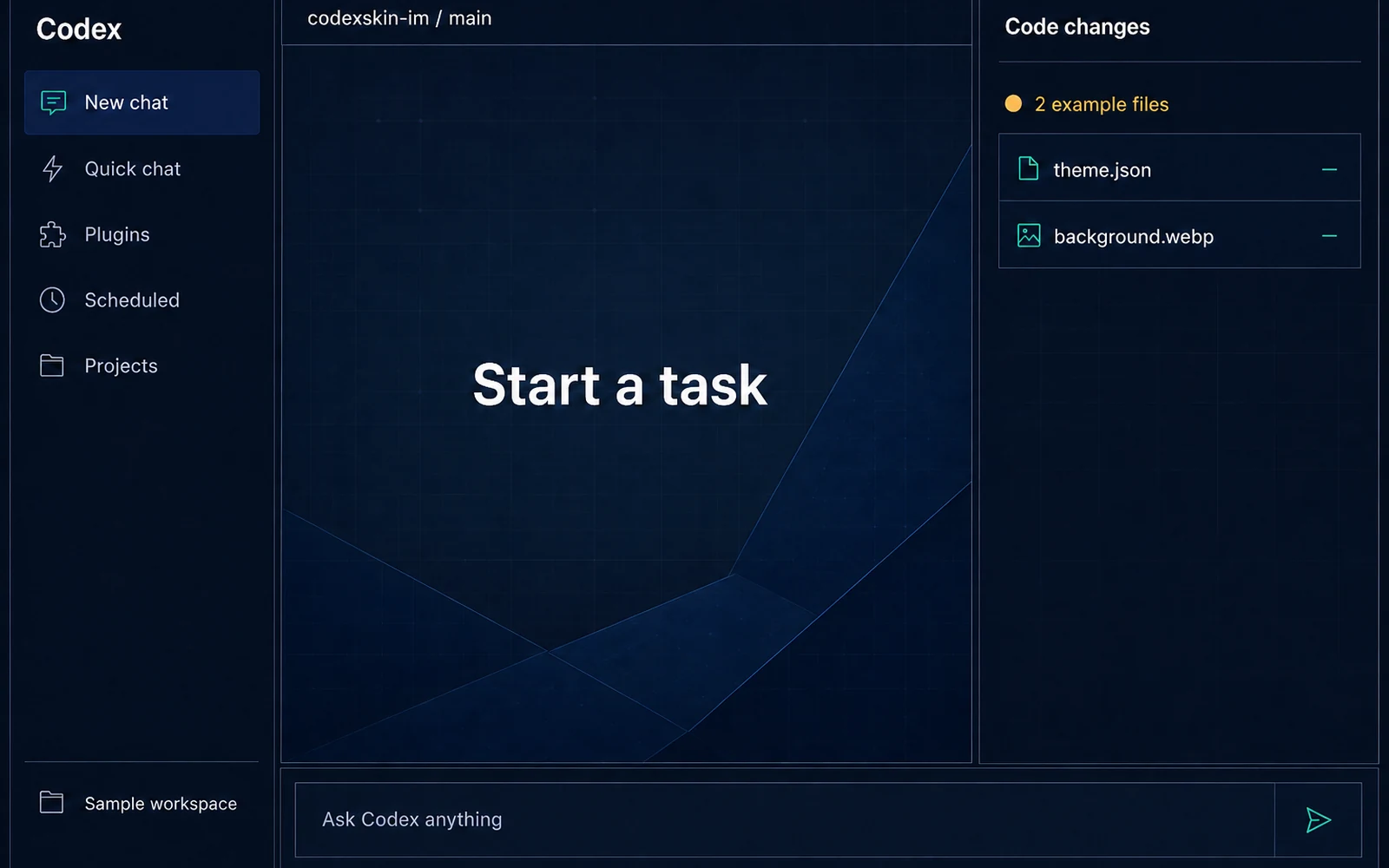
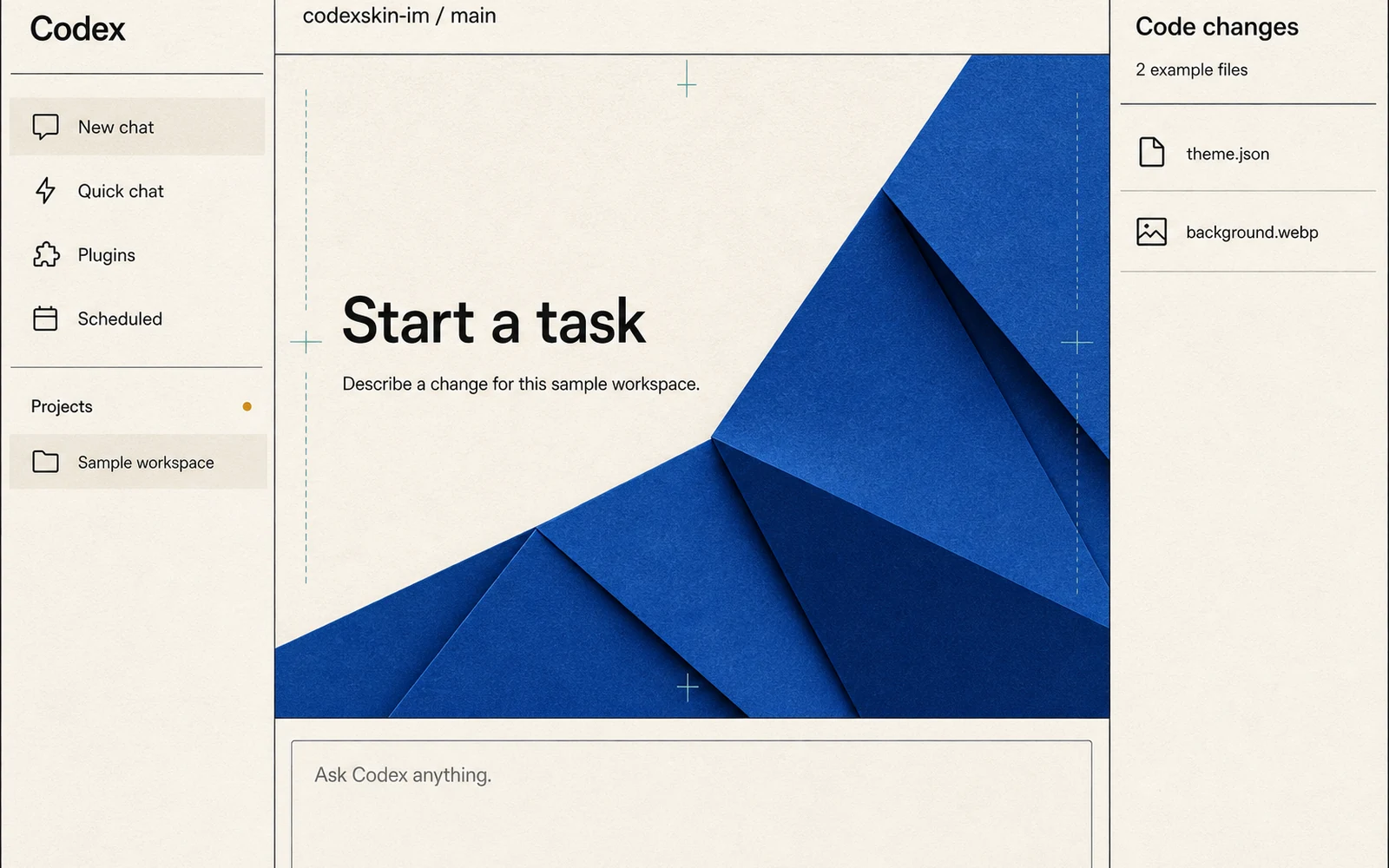
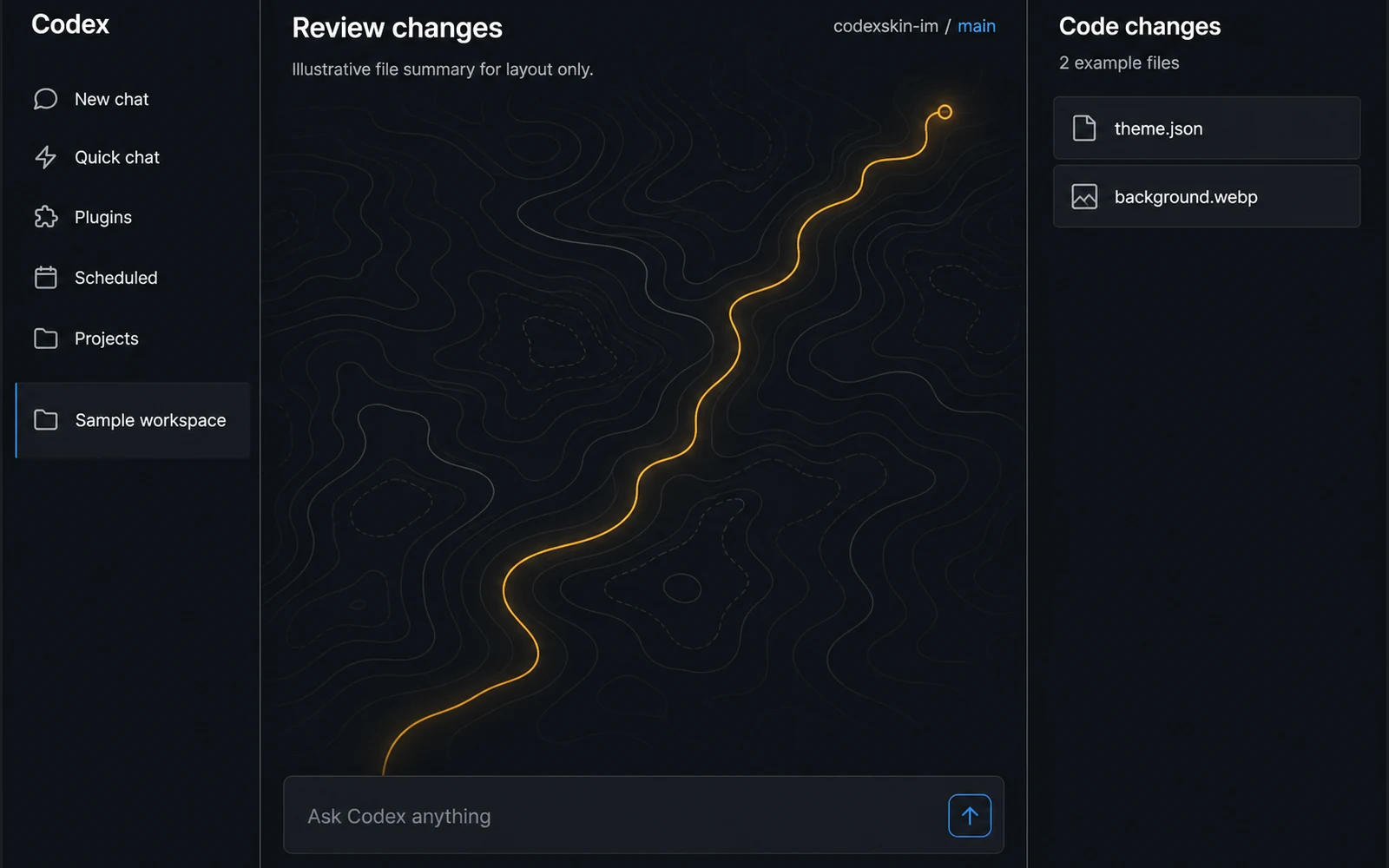
Illustrative preview. Illustrative preview of a configured Dream Skin in a current Codex-style desktop shell. Not a verified Codex result.
Processing
On your device
Preview
Illustrative
Account
Not required
Restore
Always visible
What is a Codex skin?
A Codex skin is a custom visual style for the Codex desktop app. A built-in Codex theme changes colors and fonts through the app's own appearance controls. A Dream Skin can add a background image and deeper visual changes through an unofficial third-party method. The steps, support, and risks are different for each path.
Choose the change you actually want
I only want new colors
Use the built-in Codex appearance path. It is the simpler choice and does not rely on Dream Skin.
Use the CodexSkin builder to prepare a local recipe, then follow the separate Dream Skin instructions for your device.
Best for: Personal images and a more decorative workspace.
Status: macOS is source-reviewed at upstream commit 26c6c410e0e0bfc053356474620e17f934f483fc and not independently reproduced by CodexSkin.im. The checked Windows path does not support the macOS user-image workflow.
A skin can look great in a gallery and still leave you with basic questions:
Is the preview a real result or an illustration?
Does this use Codex's own appearance settings or a third-party method?
Was it checked on my device?
What changes after a Codex update?
How do I undo it?
CodexSkin keeps those answers next to the skin instead of hiding them in a long readme or a comment thread.
Try your own image, not a mystery download
Choose an image you own or have permission to use. Adjust its position, darken busy areas, and check whether text remains readable. The preview shows approximate Home, Task, and Diff views. It is an illustration of the expected look, not proof that the skin has been applied inside Codex.
Preview label: Illustrative preview
Privacy note: Your image stays on your device while you edit and export it.
Browse a small collection of original themes. Each card shows its method, test status, preview type, usage rights, known limits, and restore path. If no device check exists, the card says so instead of showing a date.
Illustrative preview · Original CodexSkin visual; not a screenshot or verified Codex result.
Night Ledger
Deep navy panels, measured cobalt accents, and a quiet desk-light background for focused evening work.
Codex Dream Skin is an independent, public-source third-party project. It uses an unofficial method to make deeper visual changes than Codex's built-in appearance controls. That method may need to be repeated after an app update and can open a local control connection while it runs. License terms may differ by file or directory, so source visibility does not grant a blanket right to copy or redistribute the repository.
CodexSkin.im does not host or disguise its installer. We link to the upstream project, show the device status we can support with evidence, and keep restore steps visible.
The latest upstream repository may contain changes made after July 17, 2026. CodexSkin.im has not reviewed those newer changes, so they may not match this site's steps, limits, or safety notes.
Status note: Custom-image use on Windows is not verified by CodexSkin.im. macOS results must show the exact version and check date before they are called checked.
Your picture should stay yours
The builder is designed so your selected image stays on your device. You do not need an account, and CodexSkin does not ask for Codex conversations, project names, sign-in files, or private access keys.
A third-party skin method still has its own risks. Read the source, use the original project link, check the device and version label, and keep a restore plan.
The CodexSkin builder, original starter themes, setup guides, and restore guides are free. There is no checkout, subscription, credit pack, or paid account in the current release.
We may test optional theme packs or custom work later. Any paid offer will have its own clear price, scope, delivery terms, and refund policy before payment is enabled.
No. CodexSkin.im is an independent community resource and is not affiliated with or endorsed by OpenAI.
Does CodexSkin upload my image?
The current builder processes your selected image in your browser and saves the finished files directly to your device. CodexSkin.im does not receive the image. Optional analytics must not receive the image, filename, skin name, recipe, preview, or saved files.
What is the difference between a built-in Codex theme and Codex Dream Skin?
A built-in theme uses Codex's own appearance controls for colors and fonts. Codex Dream Skin is an unofficial third-party method that can add an image and deeper visual changes. It has different setup, compatibility, and safety considerations.
Can I use Codex Dream Skin on Windows?
The upstream project includes Windows instructions, but custom-image use on Windows is not verified by CodexSkin.im. Check the device status and last-check date on the Dream Skin guide before following any instructions.
Does CodexSkin install a skin for me?
No. CodexSkin helps you preview and save a reviewable recipe. You choose whether to follow the setup instructions on your device.
Can a Codex update break my skin?
Yes. Third-party skins can stop working or disappear after a Codex update. Built-in appearance choices may also change when the app changes. Check the latest status and keep the restore steps.
Can I restore the default Codex appearance?
Yes. Use the restore path for the method you chose. Built-in themes and Dream Skin use different restore steps.
Is CodexSkin free?
Yes. The current builder and guides are free and do not require an account. CodexSkin does not offer checkout or paid accounts in the current release.
Make the look yours. Keep a way back.
Build a local recipe, check the path, and save the restore steps before you change anything.