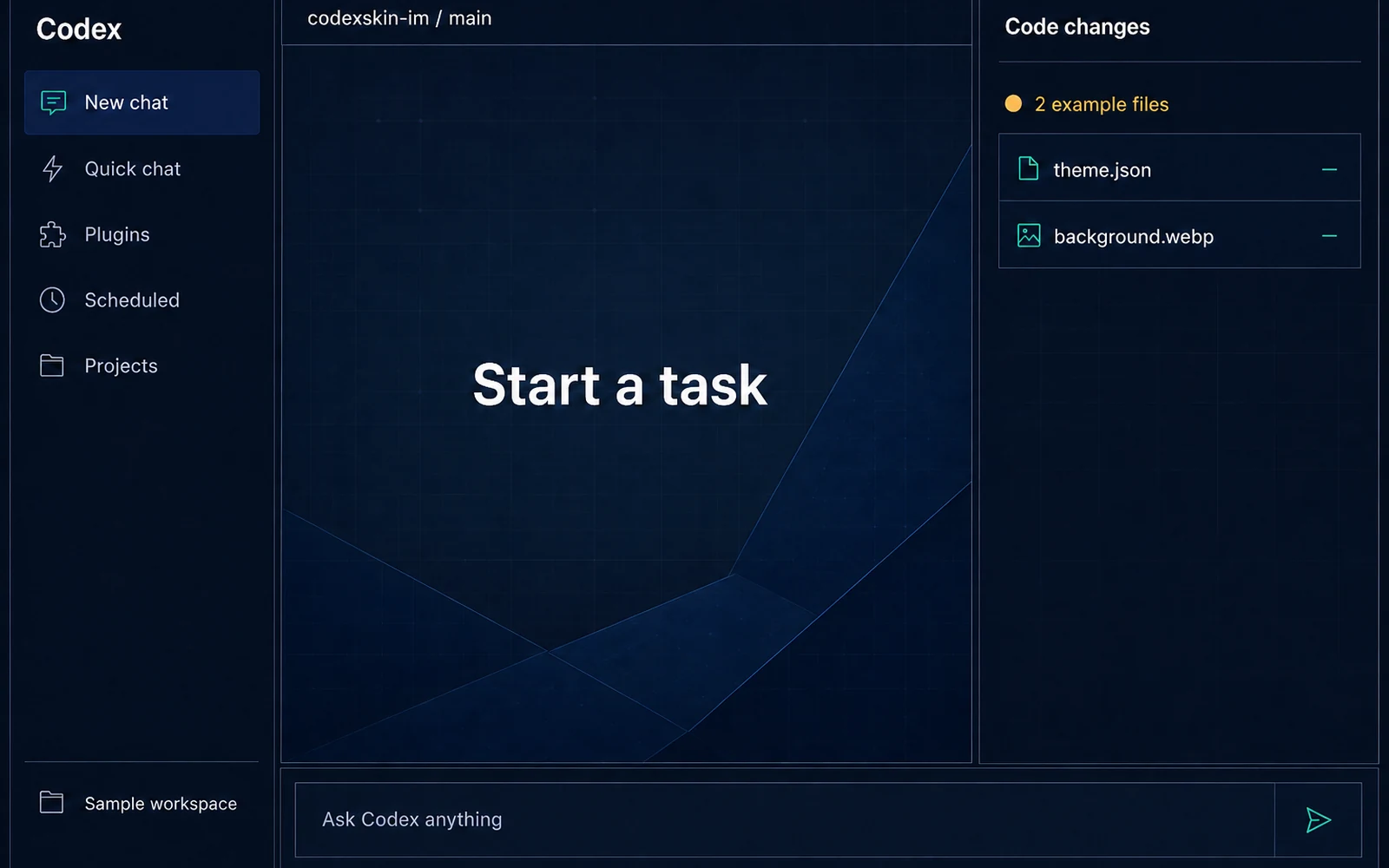
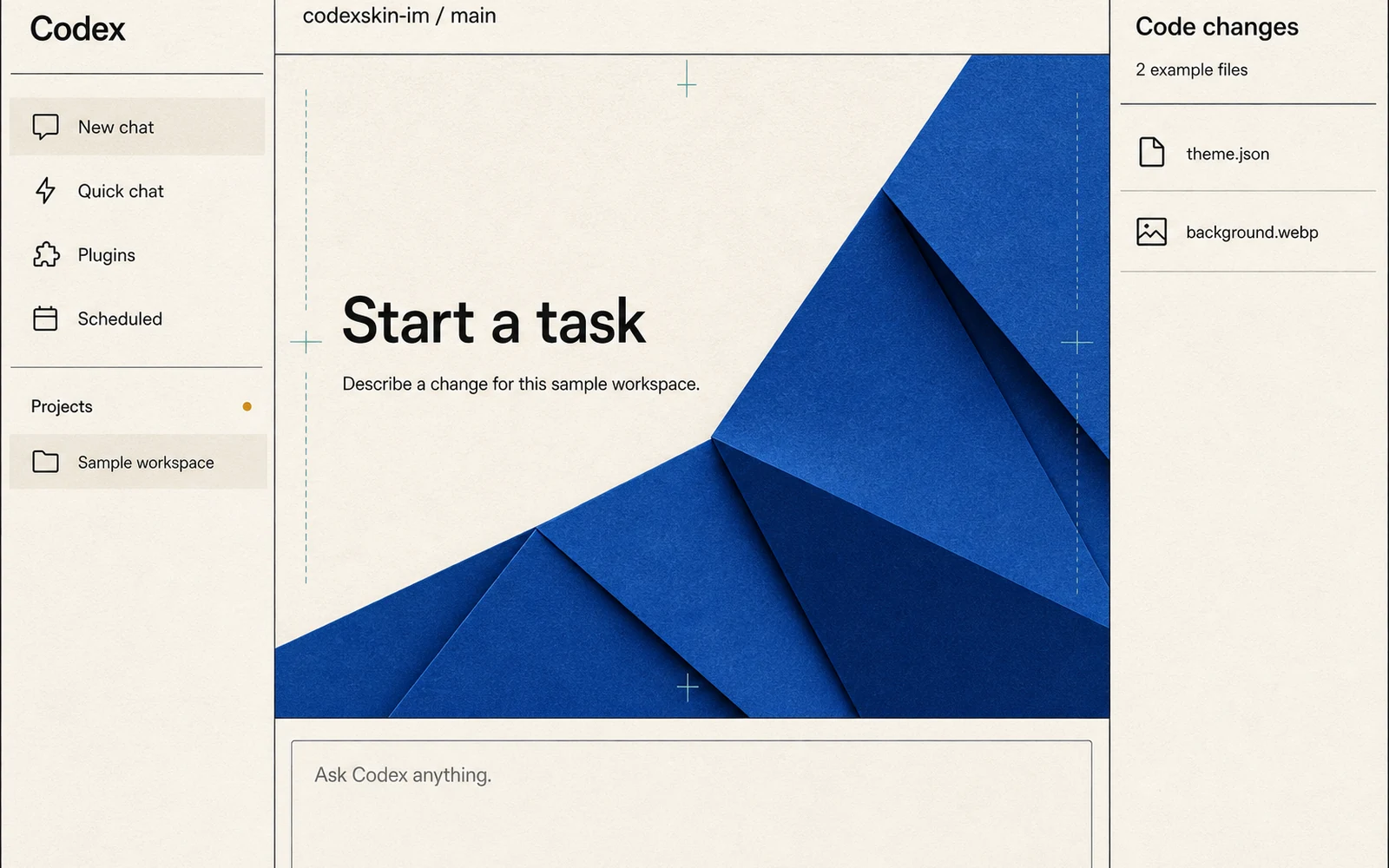
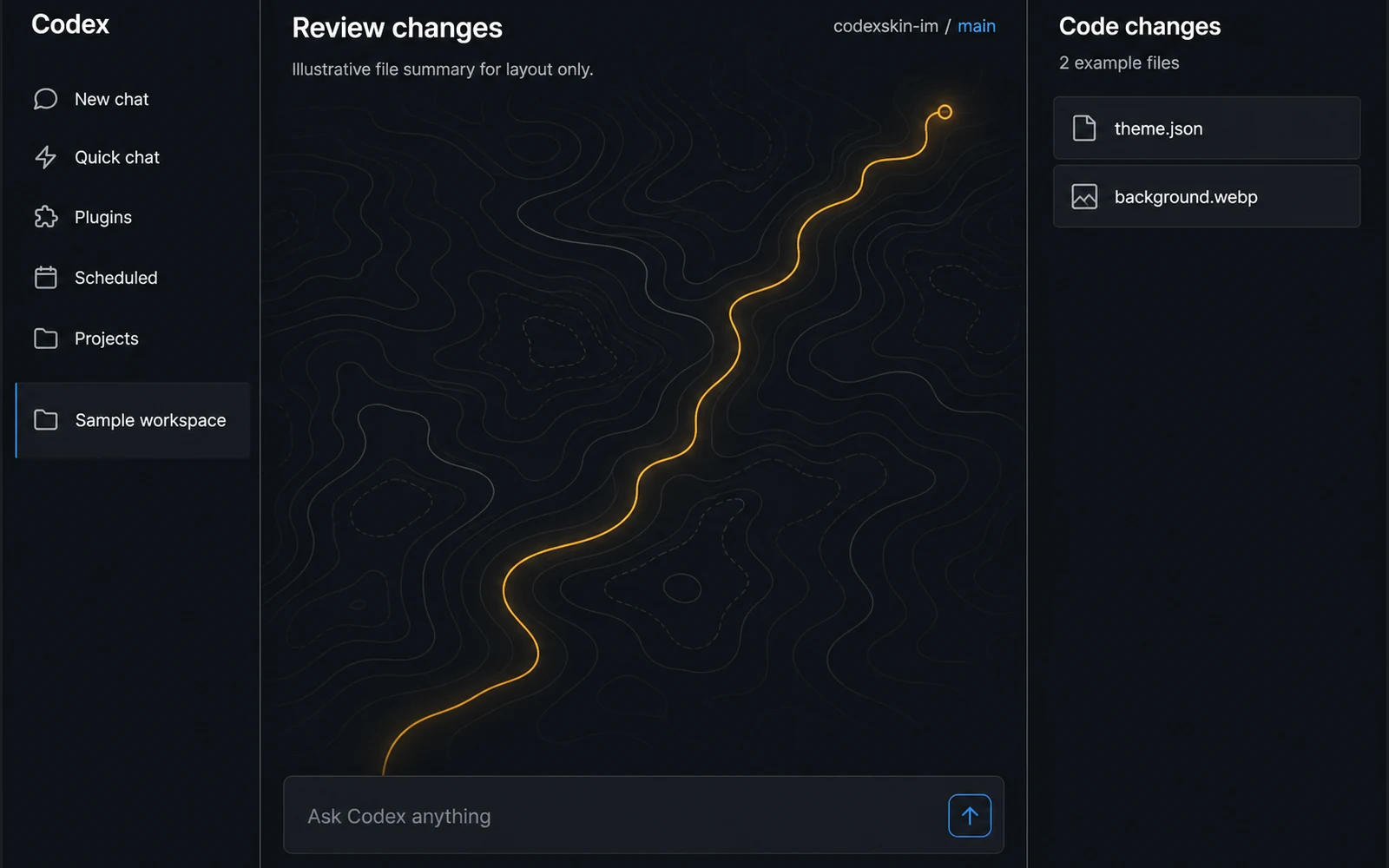
This collection separates built-in Codex themes from third-party image skins. Every published card must show who made it, what you may do with it, whether the preview is illustrative or real, which device was checked, when it was checked, and how to return to the default look.
“Not tested” means CodexSkin.im has not reproduced the theme in Codex on a named device or version. These previews are illustrative, and no device-check date is available.
Illustrative preview · Original CodexSkin visual; not a screenshot or verified Codex result.
Night Ledger
Deep navy panels, measured cobalt accents, and a quiet desk-light background for focused evening work.
CodexSkin starts with a few original themes rather than a large gallery of unclear images. A theme does not receive a public detail page until its source, rights, device status, readability, and restore path are documented.
How themes are reviewed
What we check before publishing a theme
The creator and source are named.
The image and other visual material have a documented usage right.
The preview says whether it is illustrative or captured from a real result.
The theme names its method and device status.
Text remains readable in the main views, or a warning is shown.
The device-check status and known limits are visible; a date appears only when a real check exists.
Restore steps are included.
Themes FAQ
Are all Codex themes the same kind of theme?
No. Some use Codex's built-in appearance controls. Others rely on the unofficial Dream Skin method to add images and deeper visual changes.
Can I use my own image?
Yes. Use the builder with an image you own or have permission to use.
Are these previews real Codex screenshots?
Only when a card says "Real screenshot" and names the checked device, version, and date. Other cards are labeled "Illustrative preview."
Are all themes free?
The current starter themes and builder are free. CodexSkin does not offer checkout in the current release.
Can a Codex update break a theme?
Yes. A built-in theme may change with the app, and a third-party skin can stop applying after an update. Check the last-check date and restore path.
Why are there only a few themes?
CodexSkin publishes a theme only after its source, rights, method, status, limits, and restore path are documented.
Want a look that starts with your image?
Choose an image you can use, preview it on your device, and save a reviewable recipe.